Not speaking Chinese should not stop you from eating well in China. Millions of travelers manage it every year using a mix of pictures, apps, body language, and a little preparation. The experience is smoother in Shanghai or Beijing than in a small town, but the tools below work almost everywhere with mobile data or offline translation.
Start with the easiest restaurants
If language is your biggest concern, choose restaurants that reduce guesswork:
- Places with photos on the menu
- Busy eateries where you can point at what others are eating
- Chain restaurants with standardized ordering systems
- Hotel restaurants with English-speaking staff
- Food courts in major malls
Your first meal does not need to be the most authentic hidden gem in the city. It needs to be manageable.
QR code ordering is everywhere
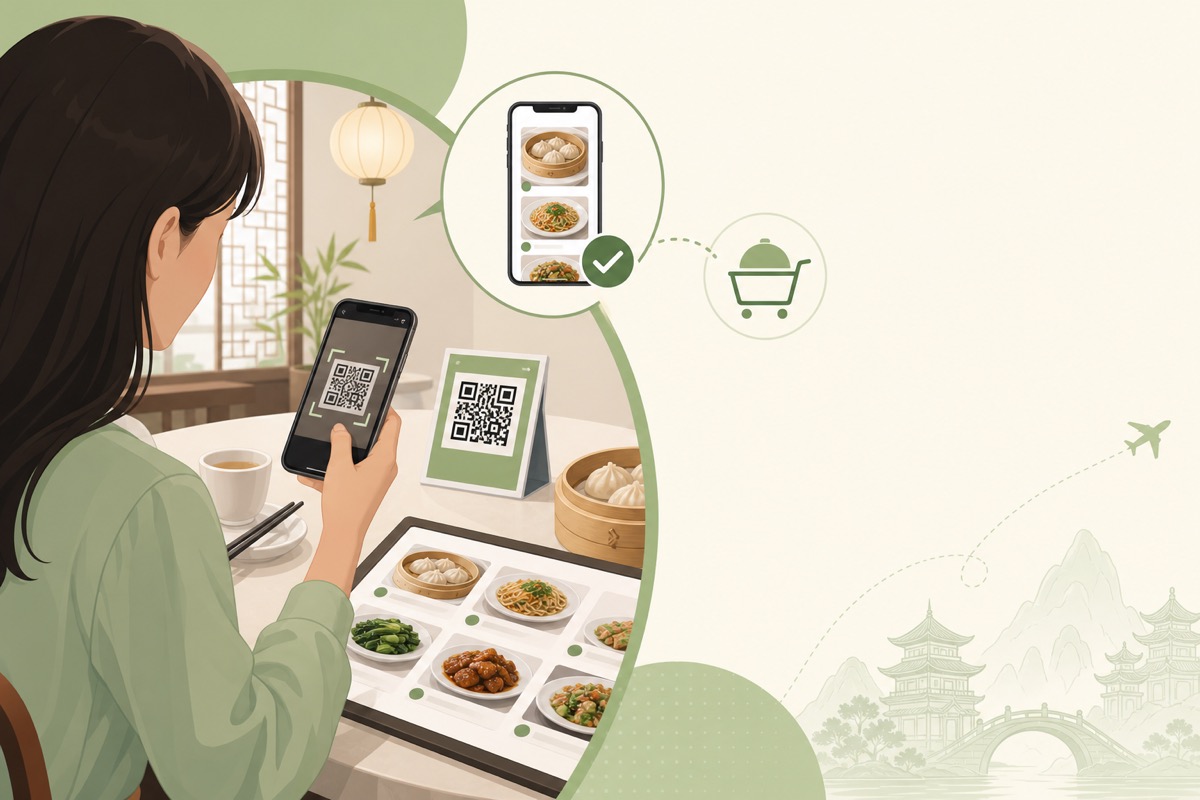
Scanning a QR code at the table is now one of the most common ordering methods in China. After scanning, you may see:
- A full Chinese menu
- Photos of dishes
- English labels in tourist-heavy areas
- A cart system similar to food delivery apps
If the menu is Chinese-only, use screen translation rather than random tapping. Screenshot dish names, translate them, and only then add items to your cart.
Before visiting, make sure your phone can:
- Scan QR codes with the camera
- Pay if the system requires mobile payment
- Use translation offline if possible
Some smaller restaurants still prefer cash or staff-assisted ordering, so stay flexible.
Picture menus and pointing
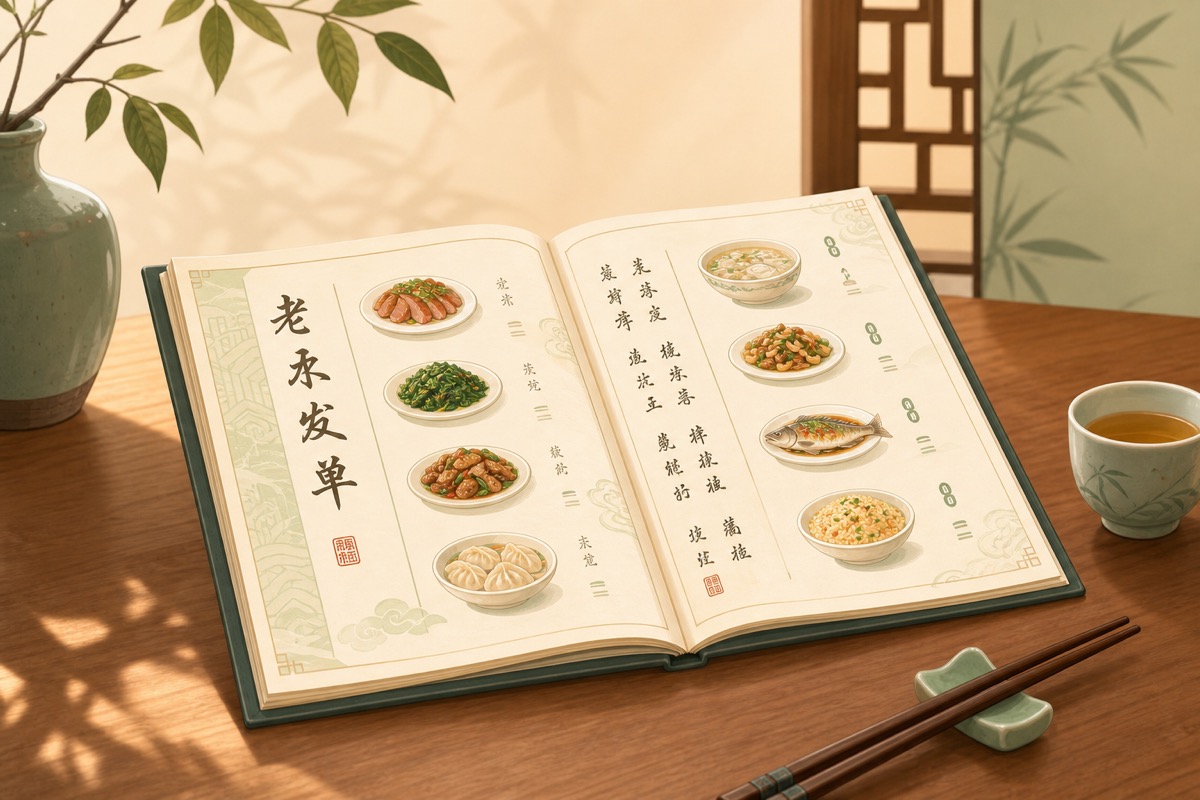
Picture menus remain one of the most reliable tools for non-Chinese speakers. Even if you cannot read the name, you can see whether a dish looks like noodles, dumplings, greens, or grilled meat.
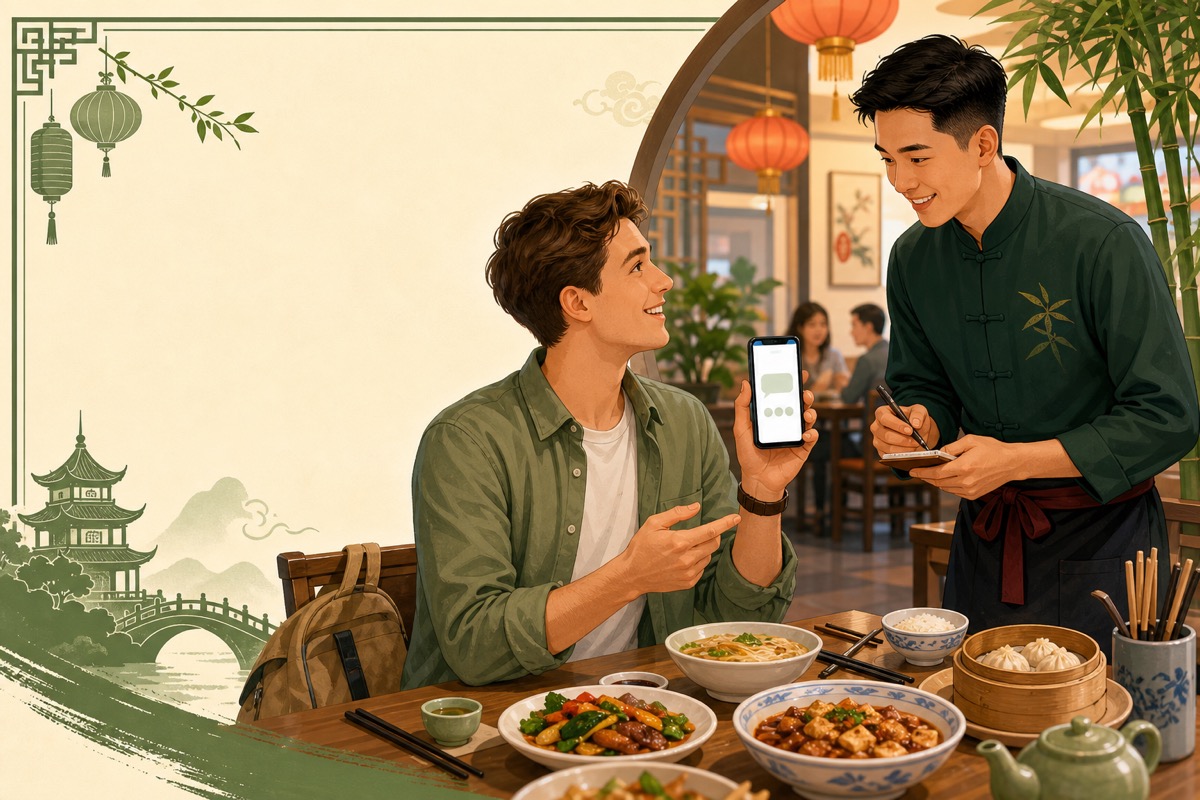
Pointing works well when combined with simple phrases such as:
- "This one, please."
- "Same as that table."
- "Not spicy, please."
In casual restaurants, pointing is normal and efficient.
Translation apps that help most
General translation apps are useful, but restaurant ordering benefits from a repeatable workflow:
- Scan or photograph the menu section.
- Translate dish names and descriptions.
- Shortlist two or three options.
- Show staff the chosen Chinese name before submitting the order.
Offline translation helps when restaurant Wi-Fi is weak. Download Chinese language packs before your trip if your app supports it.
Screen translation is especially helpful for QR menus because you can translate live without typing.
AI tools can speed up menu decisions
AI assistants can help summarize a translated menu, explain whether a dish likely contains pork, or rewrite your dietary restrictions into clear Chinese. This is especially useful when:
- The menu is long
- Dish names are poetic or regional
- You need a custom allergy note quickly
AI is not perfect. Use it to prepare questions, not as the final authority on ingredients. Always confirm critical restrictions with staff when possible.
Save a personal ordering note in Chinese
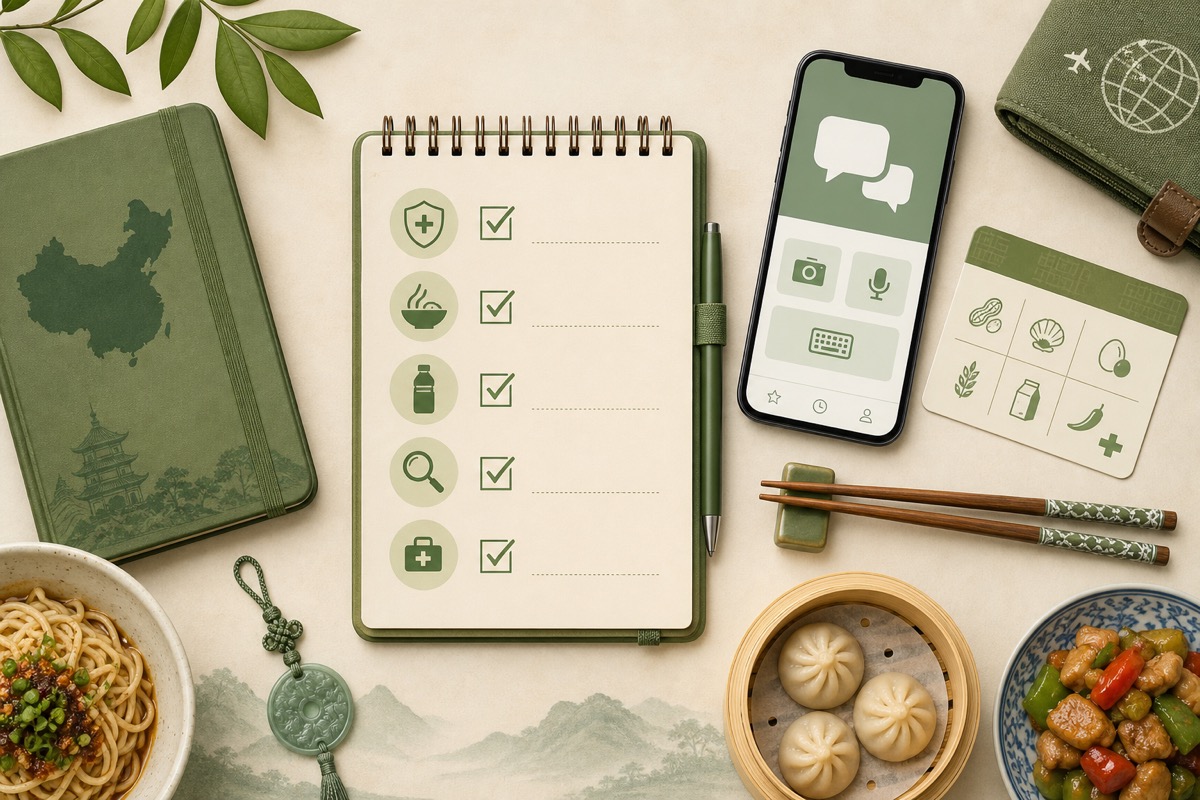
Before you arrive, prepare a short note with:
- Dietary restrictions
- Allergies
- Foods you cannot eat
- Preferred proteins
Show this note immediately when you sit down. It saves time and reduces mistakes.
Order by category when language fails
If communication breaks down, use category-based ordering:
- Rice or noodles
- One vegetable dish
- One protein you can identify visually
- Tea or bottled water
This "safe plate" strategy works in countless restaurants worldwide, including China.
Learn from other diners
If a dish on another table looks good and matches your dietary needs, pointing and asking "same?" can be the fastest solution. Staff often understand that gesture instantly.
This works best in casual eateries with visible food, not hidden-course fine dining.
Mobile payment and ordering friction
Some travelers struggle not with language but with payment systems linked to QR ordering apps. If mobile payment setup is difficult, look for restaurants with staff taking orders directly or hotels that can recommend foreigner-friendly options.
Carrying cash still helps in some settings, though QR-first restaurants are increasingly common.
Common difficulties and how to handle them
The menu has no English and no photos. Use translation app plus staff assistance, or choose another restaurant if dietary restrictions are strict.
Staff understand but the kitchen does not. Show the note again to the server and ask them to tell the kitchen directly.
You receive the wrong dish. Stay polite, show the item you intended, and ask for a correction. Mistakes happen more often when ordering through translation alone.
You are rushed in a crowded place. Slow down. Fast ordering increases error risk.
Build confidence over your first three meals
Meal one: choose the easiest restaurant.
Meal two: try QR or translation with one new dish.
Meal three: combine phrases, pictures, and translation with more confidence.
By day three, China often feels much less intimidating.
Final thoughts
Ordering without Chinese is a skill, not a miracle. The travelers who do best combine simple tools: pictures, saved phrases, translation apps, and willingness to choose easier restaurants when needed.
Continue with useful Chinese dining phrases and how to read Chinese menus.
Taking a train between cities? Compare food options on China’s high-speed trains before you board.